12/12/2025
Live Preview is Here: Build Your Event App with Total Confidence
Going from zero to fully featured event app in under 30 minutes just got easier. See exactly what your attendees will see, as you build, including your event's AI chatbot.

Creating an event app has always involved a frustrating loop: make changes, publish, check your phone, find issues, go back, fix, republish, repeat. It's slow, error-prone, and honestly a little embarrassing when you miss something.
Today we're putting that workflow to rest.
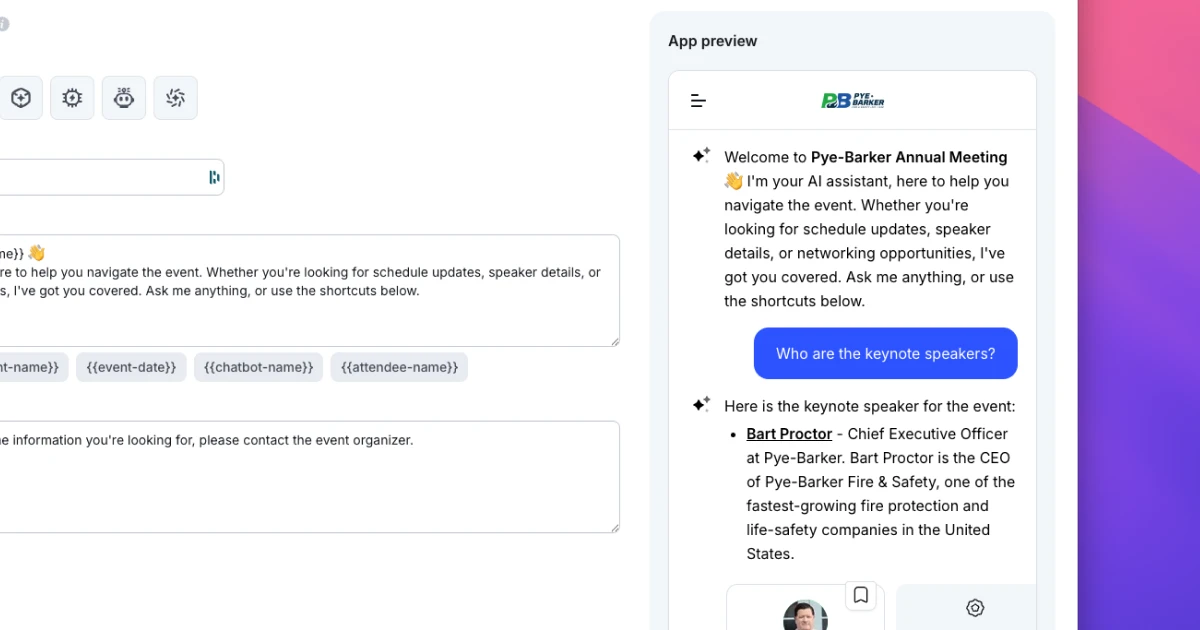
Live Preview gives you a fully functional version of your event app right in the browser as you build it. Not a mockup. Not a static screenshot. Your actual app, running live, updating in real time as you make changes.
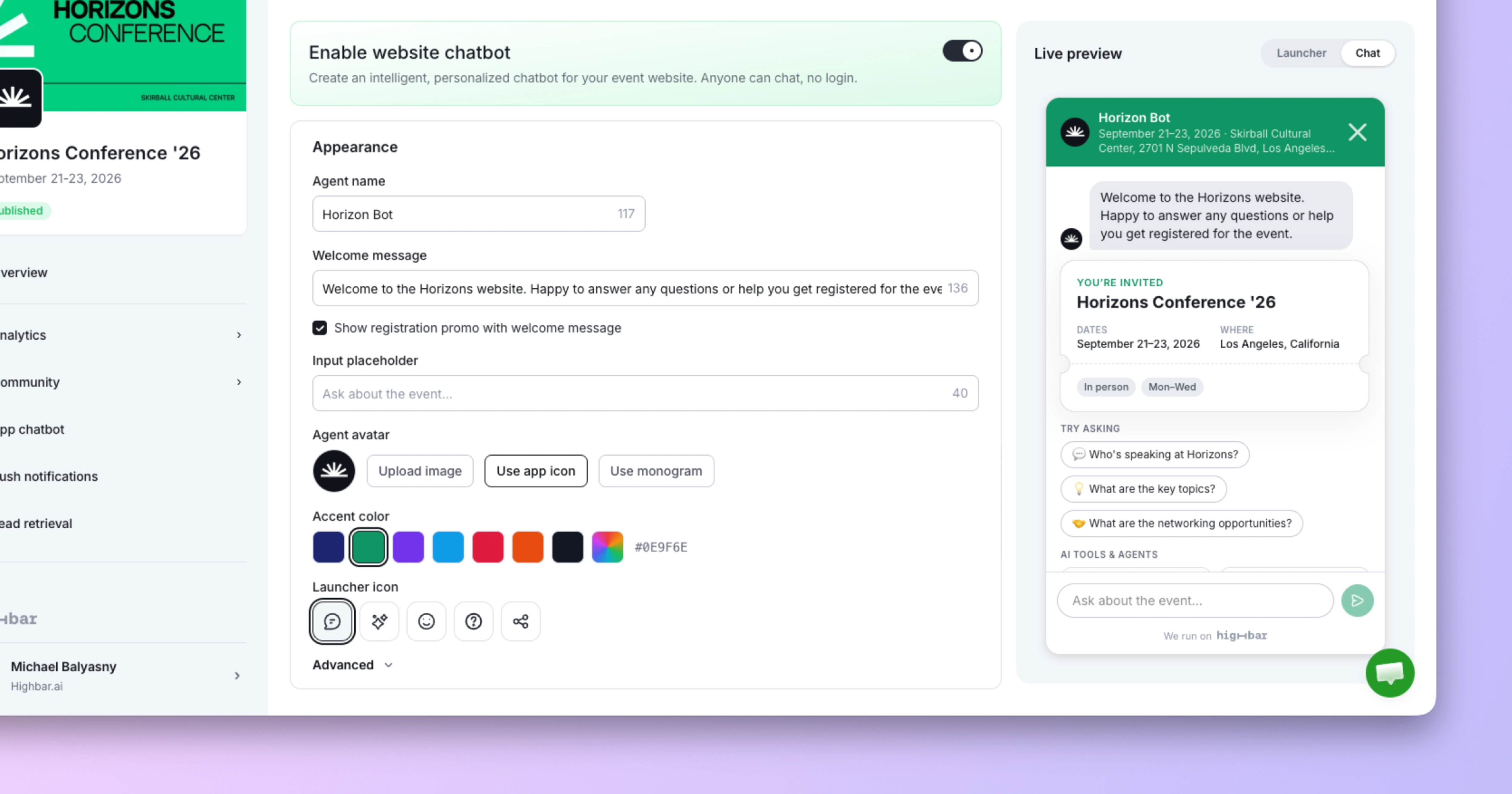
Upload your logo and see it appear instantly. Add a speaker and watch their profile populate. Customize your AI concierge's welcome message and see exactly how it'll greet your attendees.
What you see is what they get.
We're calling it Live Preview, but even "WYSIWYG" undersells what's happening here. This isn't just a visual preview, it's interactive.
You can tap through the app, open screens, browse your schedule, and read speaker bios. Everything works exactly as it will for your attendees, chatbot included.
But here's where it gets really useful: you can test your AI concierge in real time. Check out the live demo below 👇
Highbar's built-in AI concierge is designed to handle the repetitive questions that eat up your team's time during events. Questions like:
With Live Preview, you can ask these questions as you add content—and see exactly how the chatbot responds. Add your FAQ content, then immediately test it. If the answer isn't quite right, adjust and test again. No publishing, no waiting, no guesswork.
During our demo, we asked the chatbot for the Wi-Fi password and got the correct answer immediately, pulled from content uploaded moments before.
Live Preview works across all your core event content:
We built Highbar with a clear mission: make event apps 10x easier to create and use, so every event can have one.
Live Preview is a major step in that direction. It removes friction from the build process, eliminates the publish-and-pray cycle, and gives event teams confidence that what they're building is exactly what attendees will experience.
No more surprises on launch day.
Live Preview is available now for all Highbar users. Sign up free at highbar.ai, create your event, and start building—you'll see the preview right away as you work through each step.
We're just getting started, and we're shipping improvements every week. If you have feedback or ideas, we'd love to hear from you.
👉 Sign up for your free Highbar account and start building your event app.